Batch Exporter  

Maya Versions
Tested in Maya 2022-2027
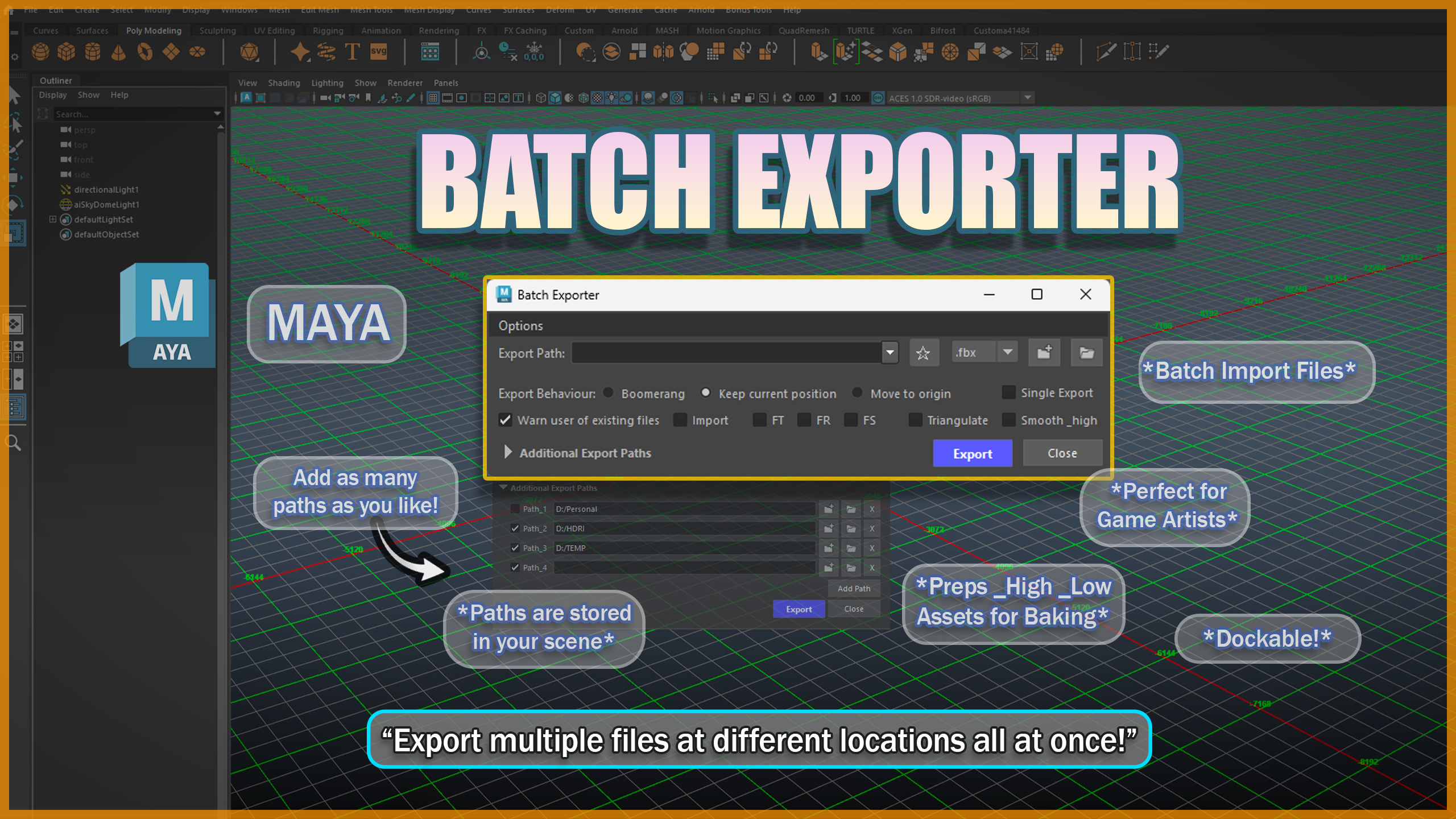
Batch Exporter is a tool that will help you export multiple files at once.
The tool itself has three main export behaviors Boomerang, Keep position and Move to Origin.
-
Boomerang sends your selection to world origin, exports it and sends it back.
-
Keep position retains the selections position in world space upon export.
-
Move to origin moves your selection to world origin exports it and keeps it there.
Use the dropdown to choose between different file types (.fbx, .ma, .mb, .obj).
The tool also allows to export objects as a single file.
- Single export - Bypasses the batch export features and exports your selected objects as a single file instead.
Additional features include :
- Warn user of existing files - Does what it says.
- Import - Batch Imports files.
- Freeze transforms - Freezes transforms for Translate, Rotate and Scale.
- Fully Dockable - The tool can be integrated within Maya's UI.
Baking Workflow options:
- Smooth_high - Enables smooth preview on objects that have _high in their name and exports them smoothed (feature supported only for .fbx files).
- Triangulate - Triangulates your selected objects - in combination with Smooth_high anything with the name _low will have its smoothness display set to 1 - this is done to ensure your _low poly geomety is not subdivided upon export (feature supported only for .fbx files).